Elvanetariam
Origin Guide
Origin Guide
- 📦 Digital file available after purchase
- 🔄 Long-term availability
- 🛡️ Secure checkout
- 🔄 Content updated in 2026
Self-paced learning overview
1. Problem Statement
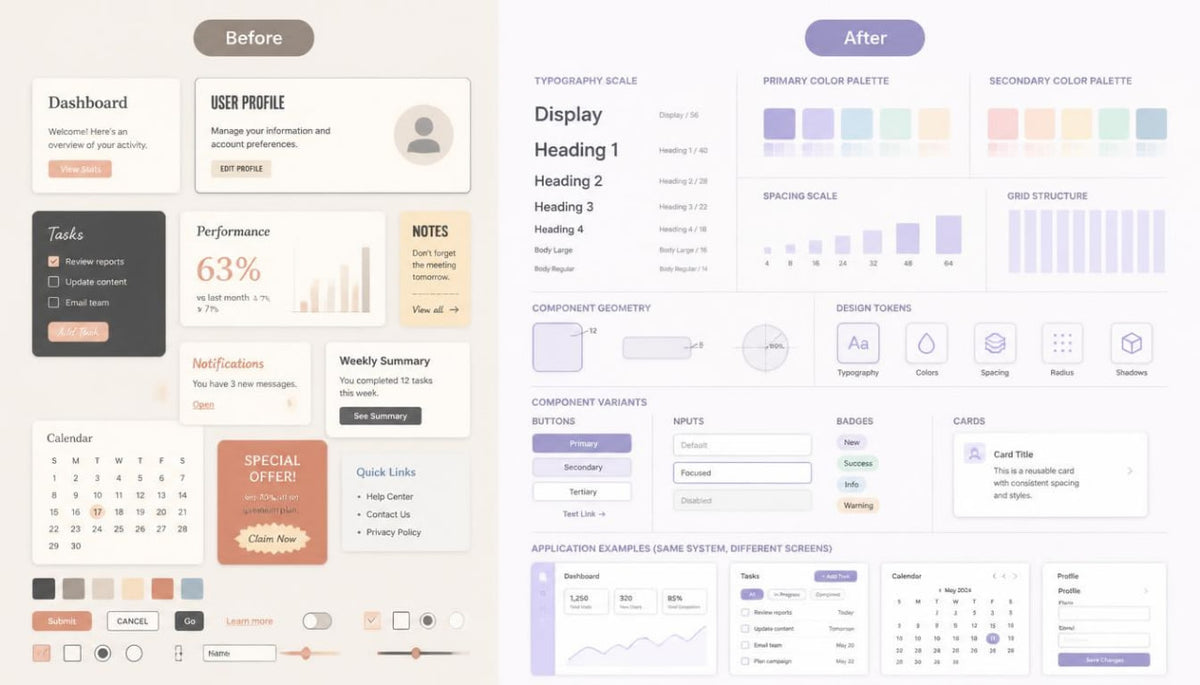
As large digital interfaces develop, individual design decisions gradually accumulate and may lose visual consistency. Differences in typography, colors, spacing, element shapes, and composition rules make it harder to maintain a unified style across multiple pages. Without a structured design language, even carefully developed individual screens may appear to belong to different digital environments.
2. Solution
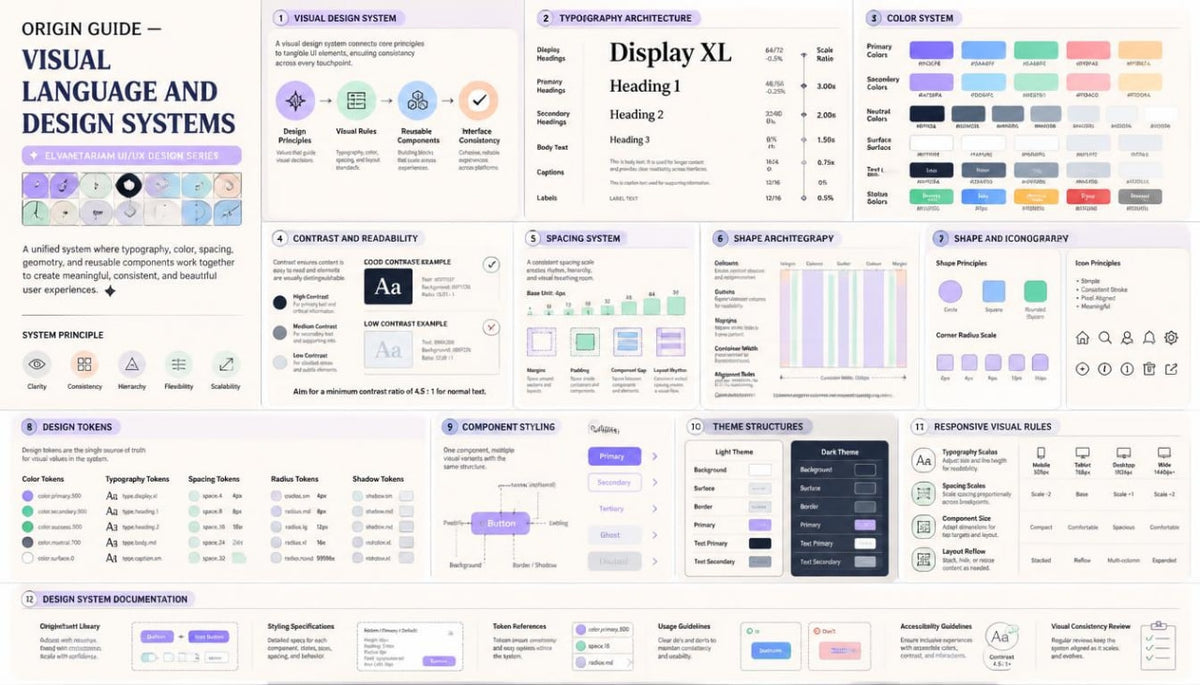
Origin Guide introduces the principles of visual system development, where typography, colors, grids, spacing, and components follow coordinated rules. The learning materials cover design token creation, styling libraries, visual variable organization, and the development of interface theme variations. Practical exercises focus on building a unified design system, evaluating its consistency, and documenting rules for different screen types.
3. What's Inside
- Module 1: Visual Design Systems Fundamentals
- Module 2: Typography Hierarchy and Type Scales
- Module 3: Color Theory and Interface Color Models
- Module 4: Contrast, Readability and Visual Clarity
- Module 5: Spacing Scales and Layout Consistency
- Module 6: Grid Architecture and Composition Rules
- Module 7: Shape Language and Interface Geometry
- Module 8: Iconography and Visual Symbol Systems
- Module 9: Image Direction and Visual Asset Guidelines
- Module 10: Design Tokens and Variable Architecture
- Module 11: Component Styling and Visual Variants
- Module 12: Light and Dark Theme Structures
- Module 13: Responsive Visual Rules and Adaptation
- Module 14: Design System Libraries and Documentation
- Module 15: Visual Audits and Consistency Evaluation
- Module 16: Building a Unified Interface Design System
4. Who Is This For?
A good fit if you:
✅ Already have foundational UI/UX design knowledge and want to study visual systems in greater depth.
✅ Are interested in creating comprehensive design systems for multi-page interfaces.
✅ Want to learn how to develop typographic scales and coordinated color palettes.
✅ Want to explore design token architecture and visual variables.
✅ Want to organize spacing, grids, shapes, and composition rules.
✅ Are interested in developing interface theme variations based on a shared visual foundation.
✅ Want to learn how to document design components and styling rules.
✅ Work with multi-page layouts and want to maintain their visual consistency.
This course may not fit if you:
❌ Are just beginning to study UI/UX and are looking for introductory materials.
❌ Want to study exclusively user research without working with visual systems.
❌ Are interested only in creating individual illustrations or decorative graphics.
❌ Expect in-depth programming rather than studying design architecture.
5. What You'll Learn
After studying Origin Guide, you will be able to:
- Understand the structure and purpose of visual design systems.
- Create typographic scales for headings, body text, and captions.
- Develop color palettes according to the functions of interface elements.
- Analyze contrast, readability, and visual distinction between components.
- Develop spacing systems and spatial organization rules.
- Use grids to create consistent compositions.
- Establish a unified geometric language for interface elements.
- Organize iconography and visual symbols within a shared style.
- Define guidelines for using images and other visual materials.
- Create design tokens for colors, typography, spacing, and geometry.
- Organize component styling variations.
- Design light and dark theme structures.
- Coordinate visual rules across different screen dimensions.
- Create component libraries and design system documentation.
- Conduct visual audits and identify styling inconsistencies.
- Bring individual design decisions together into one unified interface system.
6. Refund Information
Refund conditions for Origin Guide are governed by the Elvanetariam store Refund Policy.
Before placing an order, we recommend reviewing the terms for purchasing digital learning materials, their delivery procedures, and the applicable refund provisions.
Couldn't load pickup availability
Which subjects are covered in the courses?
Which subjects are covered in the courses?
The curriculum covers user research, information architecture, visual composition, typography, prototyping, interactive elements, and design system development.
What is included in each course?
What is included in each course?
Each course has its own module structure and learning materials. A detailed outline of topics, practical exercises, and included resources is provided in the description of each course tier.
Where can I review payment and refund terms?
Where can I review payment and refund terms?
Information about order placement, digital materials delivery, and refunds is provided in the relevant store policies. We recommend reviewing these documents before placing an order.
Share